Category: Phone

Posts about Apple’s iPhone and Android smartphones

  • AI is really annoying – there, there?

    AI is really annoying – there, there?

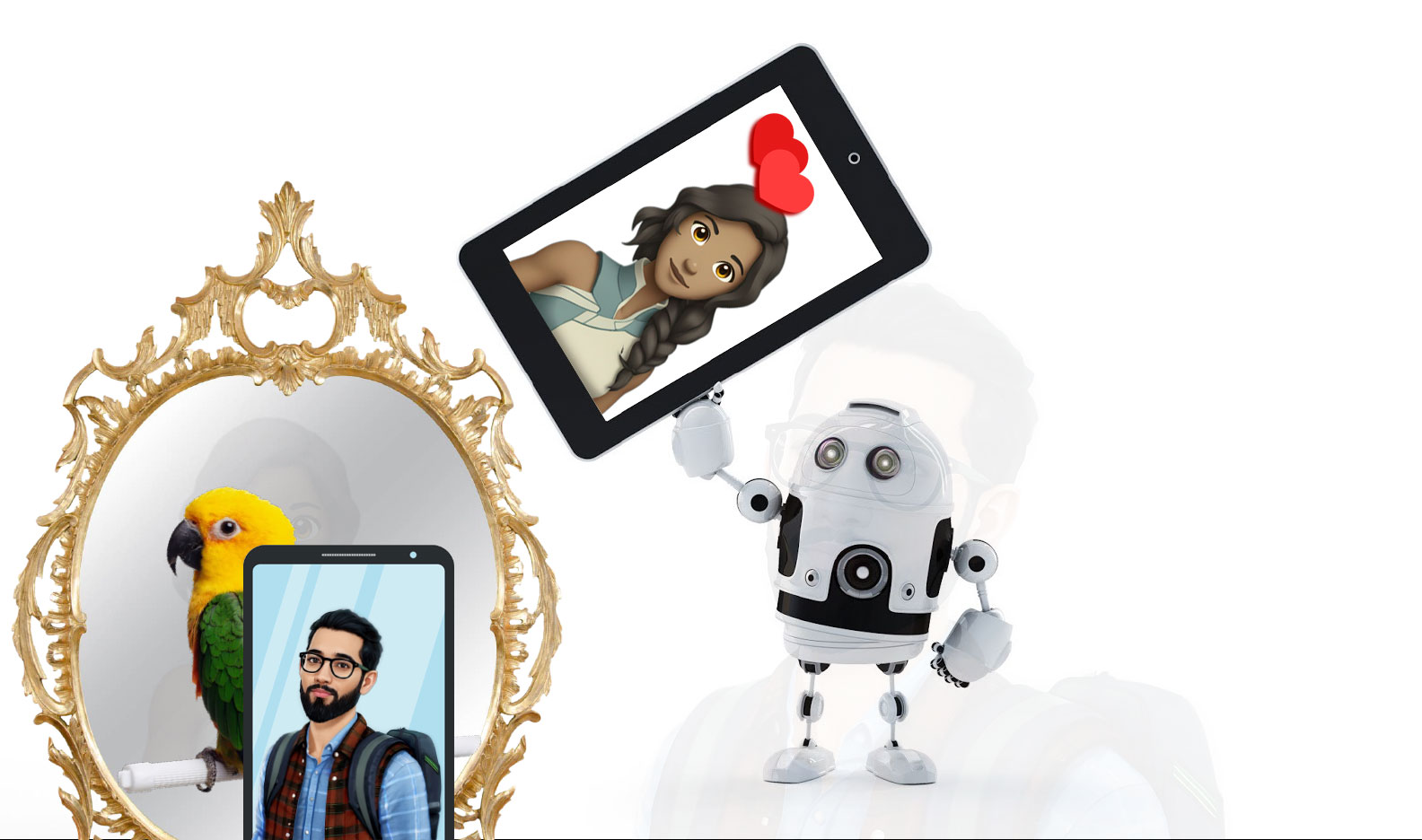
    on the internet, nobody cares if you’re an AI:
    jack, ‘how about friday?’ jill, ‘how about never.”

    My homage to two famous cartoons:

    As I’ve noted elsewhere, verbal (or literary) agility need not be a sign of intelligence. And such fluency can be glib, even annoying. Especially when, as with some people, responses are repetitive, follow predictable patterns – in autopilot mode.

    So, AI puts us in a similar place. Driven by hope & hype, it’s shoehorned into spaces where even tech fanboys may feel “how about never.”

    • PC World > Opinion > I love AI. But the more I use it, the more I hate it by Jon Martindale, Contributor, PCWorld (Jan 22, 2026) – Excitement has turned into disdain. The more I use it, the more I hate it.

    But AI is also really annoying. The way it talks, the way it forgets things, the way it just makes stuff up on the spot and brazenly lies with confidence. It’s not as good or as revolutionary as it purports to be. Not to mention the awful things some people are doing with it, or the overall effect it has had on the industries I love and work in.

    Key points (quoted)

    AI is more annoying than ever

    “That’s so X, and honestly, a great example of Y”

    AI lies too readily and too confidently

    “Oh yes. This is the best new game design in a long time, it will surely be published and sold in many languages and…” … When I called ChatGPT out on this, it apologized and admitted that it was just saying what it thought I wanted to hear.

    AI still doesn’t know anything

    But setting aside memory and context, there’s one huge flaw that still undermines LLMs: they randomly make things up.

    The frustrating thing about AI is that it works best when you already know the answer you’re seeking … If you don’t have that knowledge, then you just can’t know if an answer is good or bad.

    AI is way too inconsistent

    You can ask ChatGPT or any other AI chatbot the exact same question that someone else asked, yet receive a different answer. Sometimes the differences are minor. Other times they’re drastic.

    AI is making everything worse [slop, sidelining, shortage, spin]

    It all feels a little too inevitable

    AI can be useful and I can see the end goal that everyone is reaching for. But they’re not going to get there with large language models. Pretending they will – and rushing head-first into an AI-powered future by investing trillions of dollars into “solutions” that nobody really wants – is not going to get us there, and especially not in a healthy way.
  • Smartphone safety – Find My and Find Device apps

    Android Find Device app
    Screenshot of Google’s Android Find Device app

    This Malwarebytes (MWB) blog story is interesting, but the information afterwards is useful: setting up Apple’s / Android’s Find My / Find Device service on your smartphone.

    • Malwarebytes > Blog > “iPhone user watches as stolen phone travels from UK to China” (December 13, 2022 by Christopher Boyd)

    In practical terms, this meant that the phone could be remotely wiped (via Find My) and essentially turned into a paperweight. This has a two fold advantage: Keeping valuable data out of the thief’s hands, and also making the phone considerably less useful to a criminal.

    Apple provides several tips for what you should do in the event of a theft. Here’s some of the more pressing technical related suggestions [see article for details]: Lock your phone down, mark your phone as lost, erase the device remotely.

    For an Android phone, “the basic Android options should always be available.” There’re Settings (and a Find Device app).

  • Wondering about AirTags?

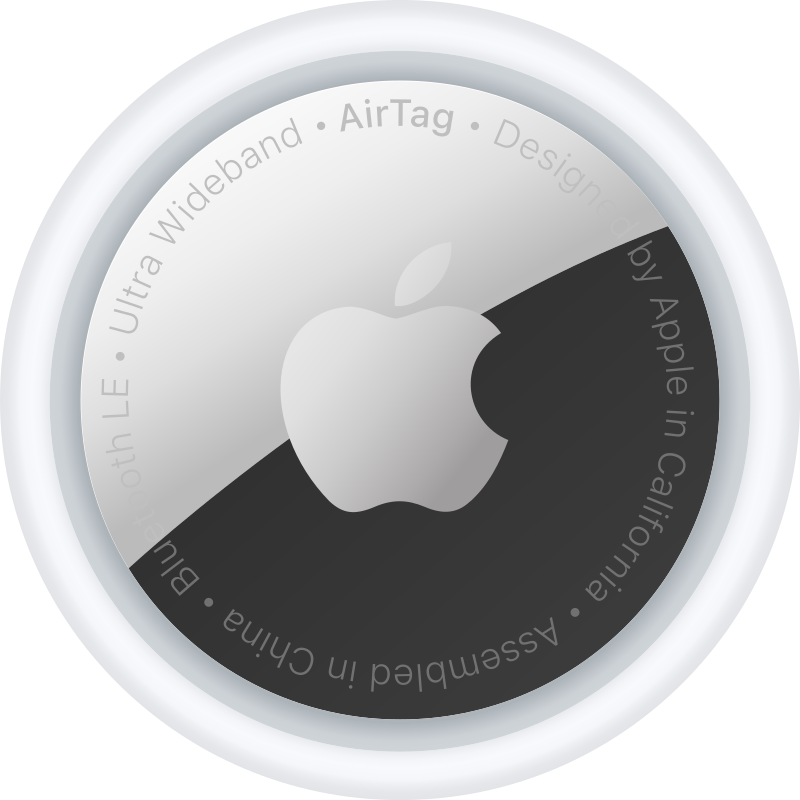
    AirTag
    Image credit (via Wiki): released into the public domain by its author, Berrely.

    Here’s a useful article about AirTags, especially if you get one or more of these trackers as a gift this holiday season. This article also includes links to Macworld’s review of and guide for the device.

    • Macworld > “13 uses for an AirTag” by Karen Haslam, Editor (Dec 19, 2022) – Wondering about using AirTags? Here are 13 ways you can use your AirTags – and whether you should use them that way.

    (quote) There are the obvious things like attaching one to your car keys so you won’t mislay them, or sticking one in your car so that you can find it in a car park. You could also attach them to your luggage so you can find it quickly when it comes off the carousel–although it’s not actually going to make it appear any quicker. But what other uses are there?

    Your pet’s collar … a remote control … sports bag … in your car … bike …

  • Apple Watch – standalone sans iPhone

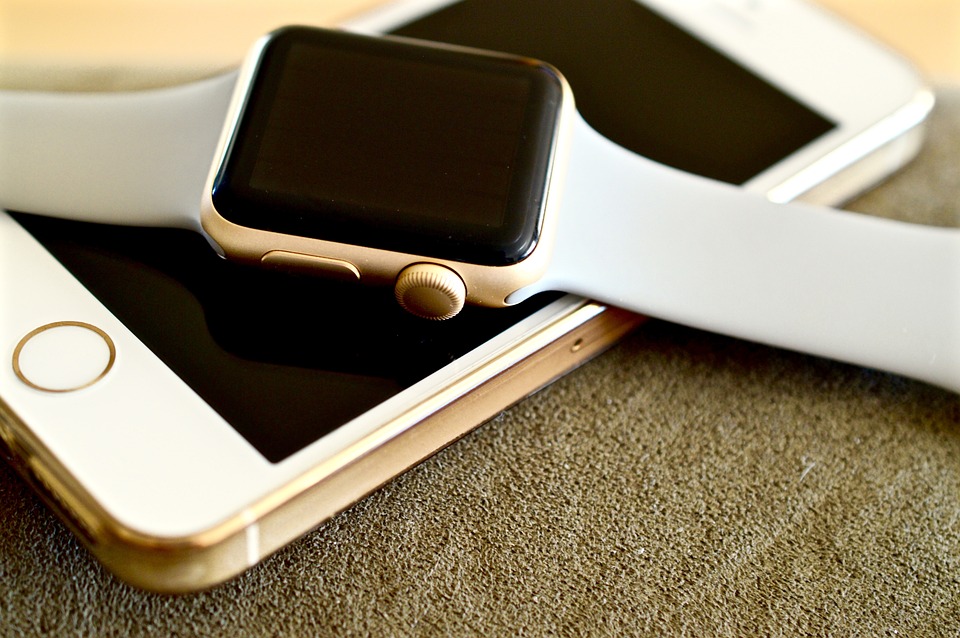
    Apple Watch and iPhone
    What can I do on my Watch without carrying an iPhone?

    If you’re thinking of getting or gifting an Apple Watch this holiday season, here’s an excellent, useful article about a popular FAQ: what can I do on my Watch without carrying an iPhone?

    At my health club, if a member is wearing a smartwatch, it’s likely an Apple Watch. The most popular. There, I rarely see anyone using their watch for anything besides time and some exercise data (typically viewed later on their iPhone). But this month I did see a member doing a phone call on their Watch. And one of the trainers, while a long time Watch user, always carries an iPhone on his hip; so, making phone calls or doing text messages on his Watch is not relevant.

    The article does point out (in a linked article) that you do, in fact, need an iPhone to set up your Apple Watch. And in some cases a WiFi or cellular connection is required.

    • Macworld > “All the things an Apple Watch can do without an iPhone” by Martyn Casserly, Contributor (Nov 30, 2022) – Is it possible to untether your Apple Watch from the iPhone entirely?

    Table of contents

    • Can you use an Apple Watch without an iPhone?
    • What an Apple Watch can do without an iPhone (like health features)
    • Can you use an Apple Watch with an Android phone?

    I was particularly interested in standalone music.

    (quote) If you want some pumping tunes while running or just fancy listening to a podcast or album while you potter about in the garden, then you can store plenty of tracks on the Apple Watch itself, all of which you can listen to without the need for an iPhone. Of course, as there is no headphone jack on an Apple Watch, you’ll need a pair of Bluetooth headphones – unless you want the tiny little speakers to ruin your exercise session and relationship with the neighbors.

    You can also stream music from Apple Music – if you are connected to Wi-Fi or have a cellular connection.

  • Transferring your stuff to new iPhone

    Old to new iPhone transfer

    New iPhone? Here’s a guide to transfer your stuff from the old one.

    • Wired > “How to Switch iPhones Without Losing a Thing” by Simon Hill (Sep 25, 2022) – Everything you need to know to successfully transfer your contacts, music, photos, and apps from one iOS device to another.

    Table of contents – the steps

    1. Back Up Your Old iPhone or iPad – via iCloud or Mac / Windows PC
    2. Swap SIMs or Activate eSIM
    3. Turn On Your New Device (with a note about Google Authenticator app)
    4. Restore Your Backup – using iCloud or Mac / Windows PC
    5. Make Sure Your Wi-Fi Connection Is Stable

    (quote) There isn’t anything else to it. If you went ahead and fired up your new iPhone or iPad without transferring anything, you’ll have to either erase it and start over, or transfer your content manually—but that’s going to be a lot more work than doing a full transfer. We recommend just starting over from scratch and following the above steps to get all your data over at once.

    See also:

    • Apple > Support > “Transfer data from your previous iOS or iPadOS device to your new iPhone or iPad